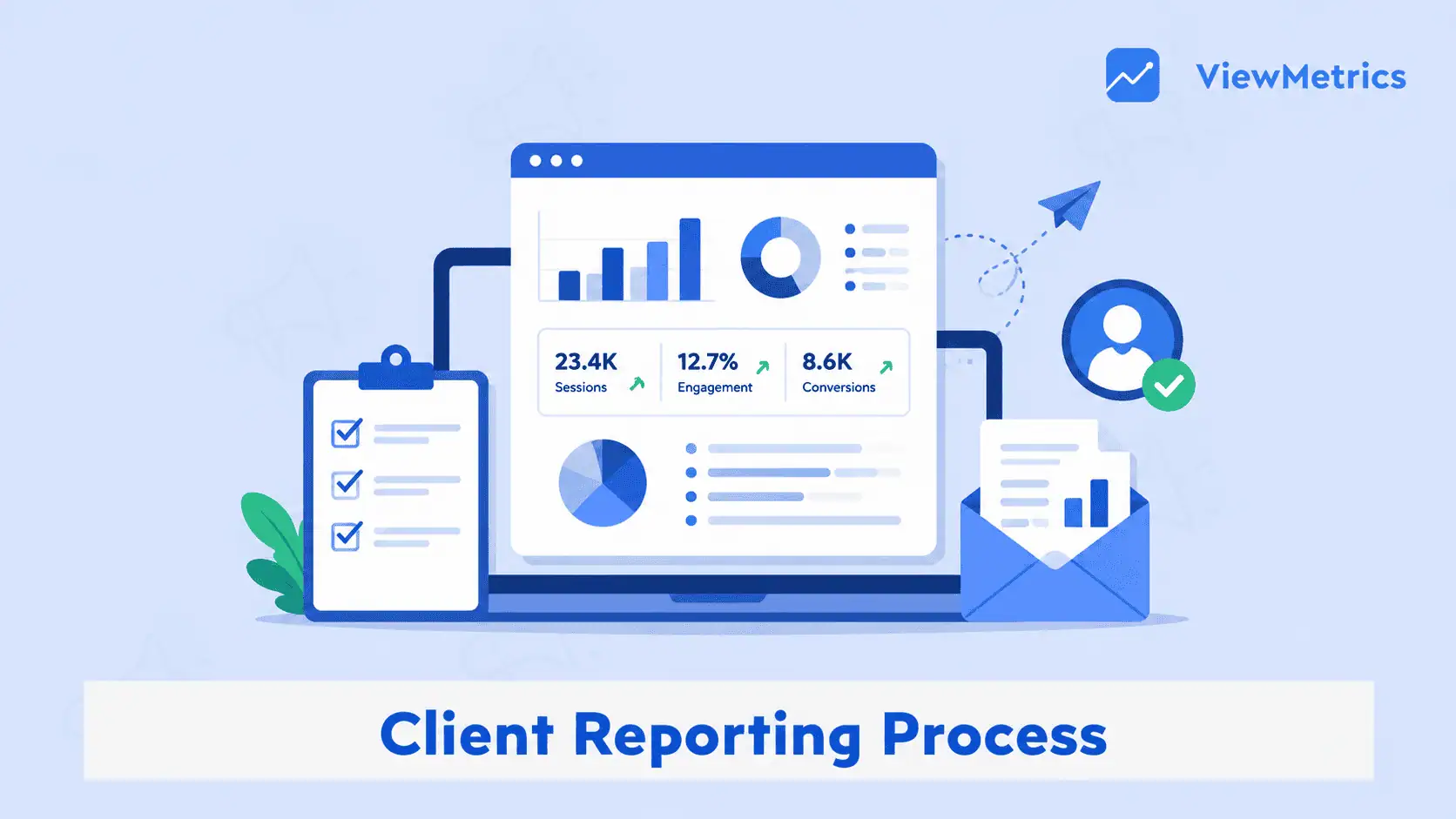
The client reporting process is how you collect, analyze, and present performance data to clients in a structured and meaningful way. When done right, it helps you communicate value, build trust, and improve decision-making.
What Is Client Reporting?
The client reporting process is a structured workflow that helps you collect data, analyze performance, and present insights to clients in a clear format.
Having a proper process ensures that your reports are not just informative but also actionable.
Instead of just presenting numbers, it focuses on explaining performance and recommending next steps.
What Are the Main Elements of an Effective Client Reporting System?
An effective client reporting process is built on key principles that ensure clarity, consistency, and value. These pillars help transform reports from simple updates into strategic tools.
1. Transparency
One of the main elements of any client report is transparency. It ensures that clients clearly understand performance and results without confusion.
When reports are open and easy to interpret, they build trust and strengthen long-term relationships.
2. Accountability
A structured reporting process helps both teams and clients stay accountable for results. It ensures that goals, KPIs, and outcomes are clearly tracked and evaluated over time.
3. Measurement & Evaluation
An effective client reporting process measures performance accurately so that you can properly understand whether your strategies are working.
It should also be regularly evaluated to help identify trends and areas that need improvement.
4. Communication
Effective reporting improves communication between teams and clients.
With proper client and team communication, everyone stays aligned with the existing progress, challenges, and next steps.
5. Optimization
Apart from results, what makes client reporting more efficient is the inclusion of optimization.
Reports should not just show results but also highlight opportunities for improvement. It ensures that campaigns and strategies are continuously refined.
6. Decision-Making
The ultimate goal of reporting is to support better decisions.
So, an effective client reporting system should provide insights that help teams and clients take informed actions that improve outcomes.
How to Build a Client Reporting Process: Step-by-Step Guide
With a clear structure and consistent execution, you can build a strong and effective reporting process. Here are the key steps:
Step 1: Define Goals, KPIs, & Reporting Objectives
Start by setting definite goals for your client.
To make the reporting process smoother and more efficient, you need to define clear KPIs such as leads, conversions, or revenue.
Step 2: Integrate & Centralize Data Sources
If you’re using different analytics tools, CRM systems, and ad platforms, your next step is to collect data from all these sources.
Centralizing everything ensures accuracy and eliminates the need to switch between tools.
Step 3: Create Standardized Templates & Dashboards
Make the process easier for you by standardizing templates and dashboards.
Design templates that maintain consistency across your client reports.
Standardizing your dashboards makes it easier for your clients to understand performance quickly.
Step 4: Automate Data Collection & Reporting
Automating tasks is essential to make your client reporting process so much simpler and more efficient.
It reduces manual effort and minimizes errors, and also ensures that reports are generated and delivered on time.
Step 5: Analyze Data & Add Insights
To ensure that your clients thoroughly understand the report, go beyond numbers and data by actually explaining what they mean.
Add context, highlight trends, and provide actionable recommendations.
Step 6: Share Reports on a Consistent Schedule
Whether you share your client reports weekly, monthly, or quarterly, it’s necessary to be consistent with your schedule.
Consistency helps clients stay informed and reduces unnecessary follow-ups.
Step 7: Review & Improve with Client Feedback
Lastly, ensure there’s a feedback step in your reporting process.
Discuss reports with clients and gather feedback. This refines your reporting process and improves clarity over time.
What Are the Common Challenges in Client Reporting Process?
Even with a structured process, many teams face challenges in managing their reporting process effectively.
- Manual Data Collection & Tool Fragmentation: Switching between different tools and platforms to collect data manually is time-consuming and prone to errors.
- Inconsistent Reporting Schedules: Not maintaining a regular reporting schedule creates confusion and weakens client trust.
- Data Accuracy & Errors: If you do not automate your reporting process, the chances of manual errors are high. This could lead to wrong decisions and reduced credibility.
- Client Confusion: Overloading reports with complex data can confuse clients. Reports should be simple, clear, and easy to understand.
- Lack of Actionable Insights: Reports that only present data without insights fail to deliver value. Clients expect recommendations, not just numbers.
- Misalignment with Client Goals: If reports are not aligned with client objectives, they lose relevance. Every report should connect directly to business goals.
- Trust & Transparency Issues: Lack of clarity in reporting can reduce trust. Transparent communication is essential for strong client relationships.
How ViewMetrics Simplifies Client Reporting Process: The Best Client Reporting Software
Managing client reports manually can take hours of your day. ViewMetrics can help you by simplifying and automating the entire workflow.
- Automates Data Collection & Reporting: ViewMetrics pulls data from multiple sources and generates reports automatically. This saves time and reduces manual errors.
- Creates Real-Time Dashboards for Clients: Clients can access live dashboards to track performance anytime. This improves transparency and reduces dependency on manual reports.
- Focuses on Insights, Not Just Data: The platform helps you highlight trends and recommendations, making your reports more meaningful and actionable.
- Ensures Consistency & Timely Reporting: Automated scheduling ensures reports are delivered regularly. This helps maintain consistency and reliability.
- Improves Communication & Transparency: With clear dashboards and shared access, communication between teams and clients becomes smoother and more effective.
<VMCTA1 />
FAQs:
1. How often should you review your client reporting process?
You should review your client reporting process regularly, ideally monthly or quarterly, to ensure it remains effective and aligned with client goals.
2. How does automation improve client reporting?
Automation reduces manual workload, improves accuracy, and ensures reports are delivered on time. It also helps teams focus more on insights instead of data collection.
3. What should a client reporting workflow include?
A strong workflow includes goal setting, data collection, analysis, reporting, and feedback. Each step ensures clarity and actionable insights.
4. Why is consistency important in reporting?
Consistency in reporting builds trust and ensures clients rctaeceive regular updates. It also helps track performance over time more effectively.
5. How can you make reporting more efficient?
You can improve the efficiency of your client reporting process by automating data collection, using dashboards, and standardizing templates.
6. How do you choose the right KPIs?
Choose KPIs that align with your client’s goals, such as leads, revenue, or engagement metrics, to ensure meaningful reporting.
Related Posts
-

What Is Client Reporting? Client reporting is the structured process of sharing, analyzing, and presenting…
-
Discover 10 best client reporting tools to simplify the reporting process. Discover what to look…
-

{ “@context”: “https://schema.org/”, “@type”: “BreadcrumbList”, “itemListElement”: [{ “@type”: “ListItem”, “position”: 1, “name”: “Home”, “item”: “https://www.viewmetrics.com”…
-

If you want to turn your goals into real, measurable results, you need more than…
-
{ “@context”: “https://schema.org”, “@type”: “FAQPage”, “mainEntity”: [ { “@type”: “Question”, “name”: “What Is a Client…