
Summary for the Blog
- Instagram analytics tools are crucial for understanding content performance, audience engagement, and tracking key performance indicators (KPIs) like followers, reach, and engagement.
- The blog lists 15 top Instagram analytics tools, including ViewMetrics, SocialPilot, Social Status, Sprout Social, Iconosquare, ContentStudio, Hootsuite, Keyhole, Metricool, Emplifi, Sendible, Instagram Insights (built-in), Agorapulse, Bitly, and Pallyy.
- These tools offer various features such as consolidated social media data, scheduling, basic and in-depth analytics, benchmarking, competitor analysis, hashtag and influencer tracking, sentiment analysis, and automated reporting.
- When choosing a tool, consider factors like the metrics tracked, competitor and hashtag analysis capabilities, ease of reporting, user-friendliness, mobile compatibility, integrations, and budget.
If you’re serious about growing on Instagram in 2026, you can’t just post and hope for the best. You need to understand what’s working, what’s not, and how your audience is engaging with your content.
That’s where Instagram analytics tools come in. We evaluated 14 of the most popular options, testing their dashboards, reports, and analytics depth, so you don’t have to sift through them all yourself.
In this guide, we break down each tool’s key features, honest pros and cons, pricing, and who it’s best suited for, whether you’re a solo creator, a small business, or an agency managing multiple clients.
14 Best Instagram Analytics Tools
To put this list together, we researched each tool thoroughly, analyzing user reviews on G2 and Capterra, studying their feature documentation, and comparing pricing and capabilities across the board.
| Tool | Key Instagram Analytics Features | Pricing & Free Plan | Best For |
|---|---|---|---|
| ViewMetrics | Automated engagement reports, audience demographics (age, gender, location), post and story analytics, customizable dashboards, and white-label reporting. | Free plan available; Paid plans from $19/month | Agencies and marketers managing multiple client accounts |
| SocialPilot | Instagram post and story analytics, competitor analysis, scheduling and bulk uploads, team collaboration, and engagement tracking. | From $25.50/month; Free trial available | Small businesses and agencies seeking affordable analytics |
| Social Status | Profile, ad, and influencer analytics; hashtag tracking; competitor benchmarking; campaign performance reports. | From $99/month; Free plan available | Agencies and brands needing in-depth benchmarking insights |
| Sprout Social | Sentiment analysis, hashtag reach tracking, audience growth trends, competitor reports, and unified organic + paid analytics. | $199/month (per seat); Free trial available | Enterprises and agencies needing advanced reporting & listening |
| Iconosquare | 100+ Instagram metrics, Story and Reels analytics, follower tracking, custom dashboards, hashtag and competitor listening. | From $33/month; 14-day free trial | Brands and agencies managing multiple Instagram accounts |
| ContentStudio | Hashtag discovery, competitor post analysis, audience insights, best-time-to-post recommendations, and white-label reporting. | From $19/month; Free trial available | Marketing teams using AI for content planning & analytics |
| Hootsuite | Post scheduling, ROI and ad analytics, real-time sentiment tracking, competitor analysis, and custom reports. | From $99/month; Free trial available | Agencies and enterprises managing multi-platform campaigns |
| Keyhole | Real-time hashtag tracking, influencer analytics, campaign ROI measurement, UTM tracking, and competitor benchmarking. | From $79/month; Free trial available | Brands tracking influencer and hashtag campaign performance |
| Metricool | Stories and Reels analytics, engagement metrics, competitor tracking, best-time-to-post suggestions, and Google Data Studio integration. | From $18/month; Free plan available | Freelancers and small businesses needing all-in-one analytics |
| Emplifi | Ad spend vs conversions, audience behavior tracking, competitor benchmarking, and AI-driven insights. | Custom pricing (approx. $200/month); No free plan | Enterprise brands and eCommerce teams |
| Sendible | 200+ analytics metrics, white-label reports, hashtag tracking, post performance scorecards, and team collaboration tools. | From $29/month; Free trial available | Agencies managing multiple clients and branded reports |
| Instagram Insights | Native analytics for posts, stories, and reels, plus audience demographics and activity insights. | Free (built into Instagram) | Creators and small businesses using in-app analytics |
| Agorapulse | Reach, engagement, and follower tracking; ROI reports linked to Google Analytics; competitor benchmarking; audience insights. | From $79/month; Limited free plan available | Agencies and brands tracking ROI and engagement |
| Pallyy | Post and Story analytics, engagement rate tracking, hashtag performance, best-time-to-post, and competitor monitoring. | From $15/month; Free plan available | Social media managers and influencers needing visual analytics |
1. ViewMetrics – Best for Instagram Reporting
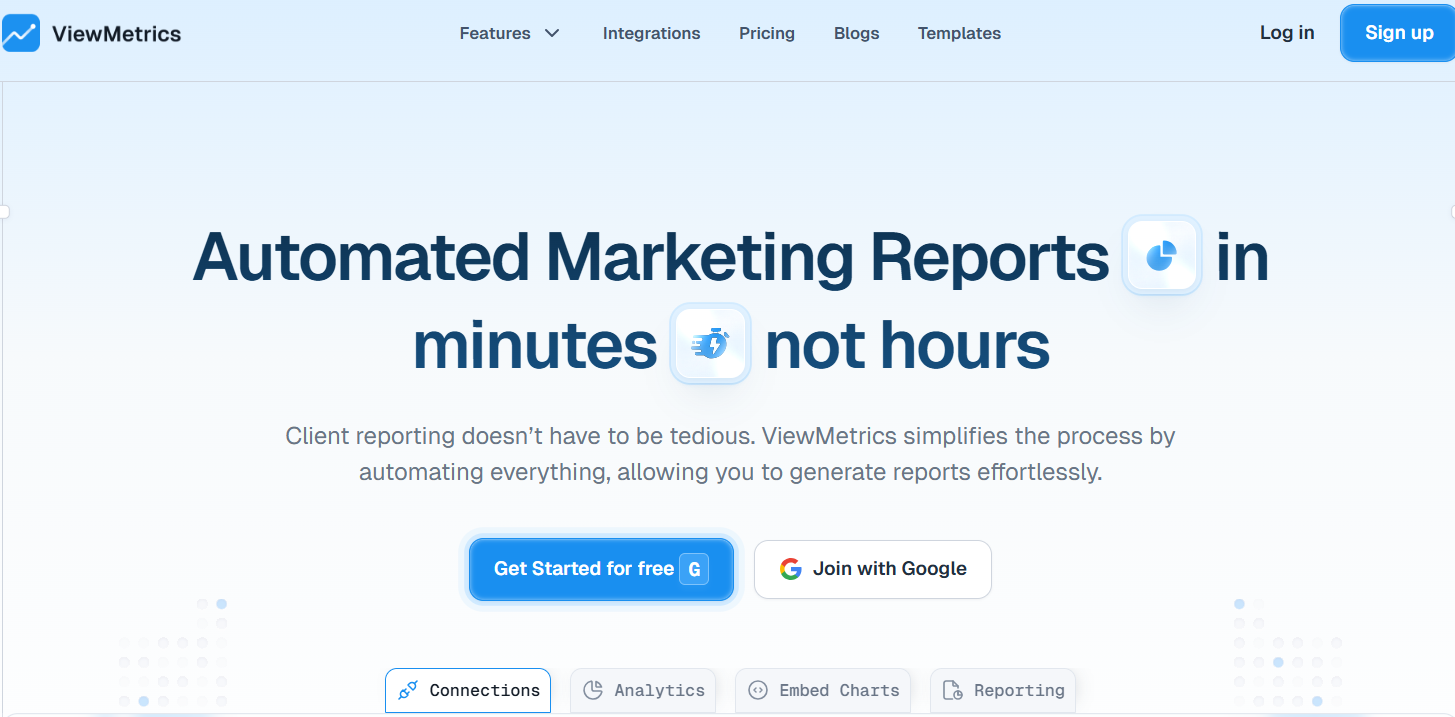
ViewMetrics is a platform made for agencies and marketers who want to bring all their social media data together in one place. It was created to simplify client reporting by turning raw numbers into neat, branded dashboards.
How It Helps with Instagram Analytics:
ViewMetrics makes Instagram analytics simple by giving you an easy-to-use platform to access and analyze data from your Instagram Business Profile. It provides a clear dashboard where you can track important details like follower growth, engagement, and content performance. The tool presents your data with clear visuals, helping you quickly spot trends and patterns. You can customize dashboards to focus on the metrics and timeframes that matter most to you.
ViewMetrics also offers insights into your audience’s demographics, such as age, gender, location, and interests, so you understand who your followers are. It lets you analyze how your posts, stories, and reels perform, showing which content connects best with your audience. Using this information, you can improve your content strategy, target the right people, and make your marketing efforts more successful.
Key Features:
- Automated reports on Instagram engagement, including likes, comments, and saves
- Audience breakdown by age, gender, and location
- Customizable dashboards for sharing with clients
- Tracks historical data beyond Instagram’s usual 90-day window<VMCTA1 />
Pricing:
- Free – $0
- Starter – $29.99/month
- Professional – $ 49/month
- Team – $119/month
<VMCTA1 />
2. SocialPilot
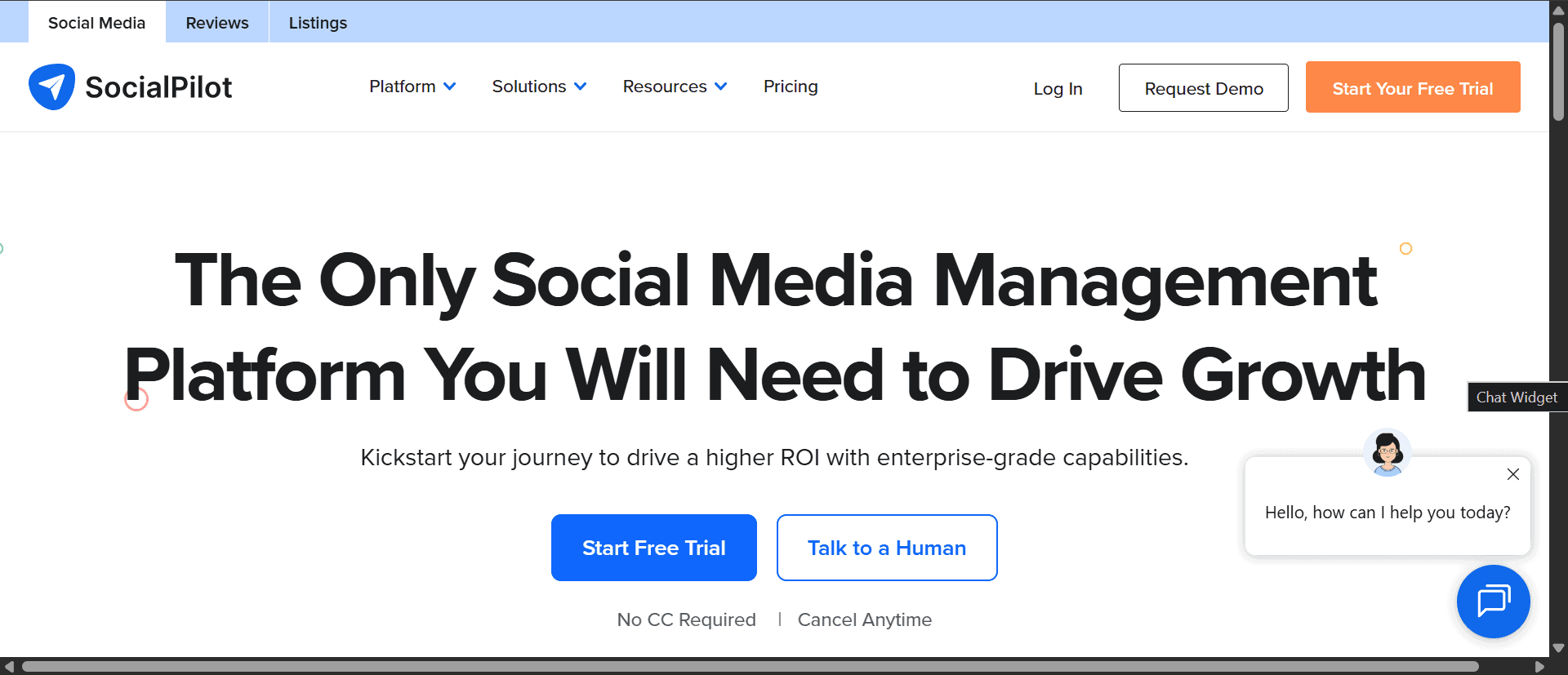
SocialPilot is a practical choice for small businesses and agencies that need Instagram analytics alongside scheduling without a large budget. It covers core metrics like post performance, engagement data, and basic competitor analysis, with solid team collaboration features. The trade-off is depth. Advanced analytics like detailed audience demographics or in-depth Reels tracking are limited compared to dedicated analytics tools.
How It Helps with Instagram Analytics:
You can plan and schedule your Instagram posts and stories ahead of time. Its calendar view and bulk scheduling make posting easier and help you stay consistent on Instagram.
Key Features:
- Schedule Instagram posts with auto-publishing
- Basic metrics like likes, comments, and shares
- Competitor content analysis
- Team collaboration features for agencies
Pricing
- Essentials – $20/mo
- Standard – $40/mo
- Premium – $100/mo
- Ultimate – $200/mo
3. Social Status
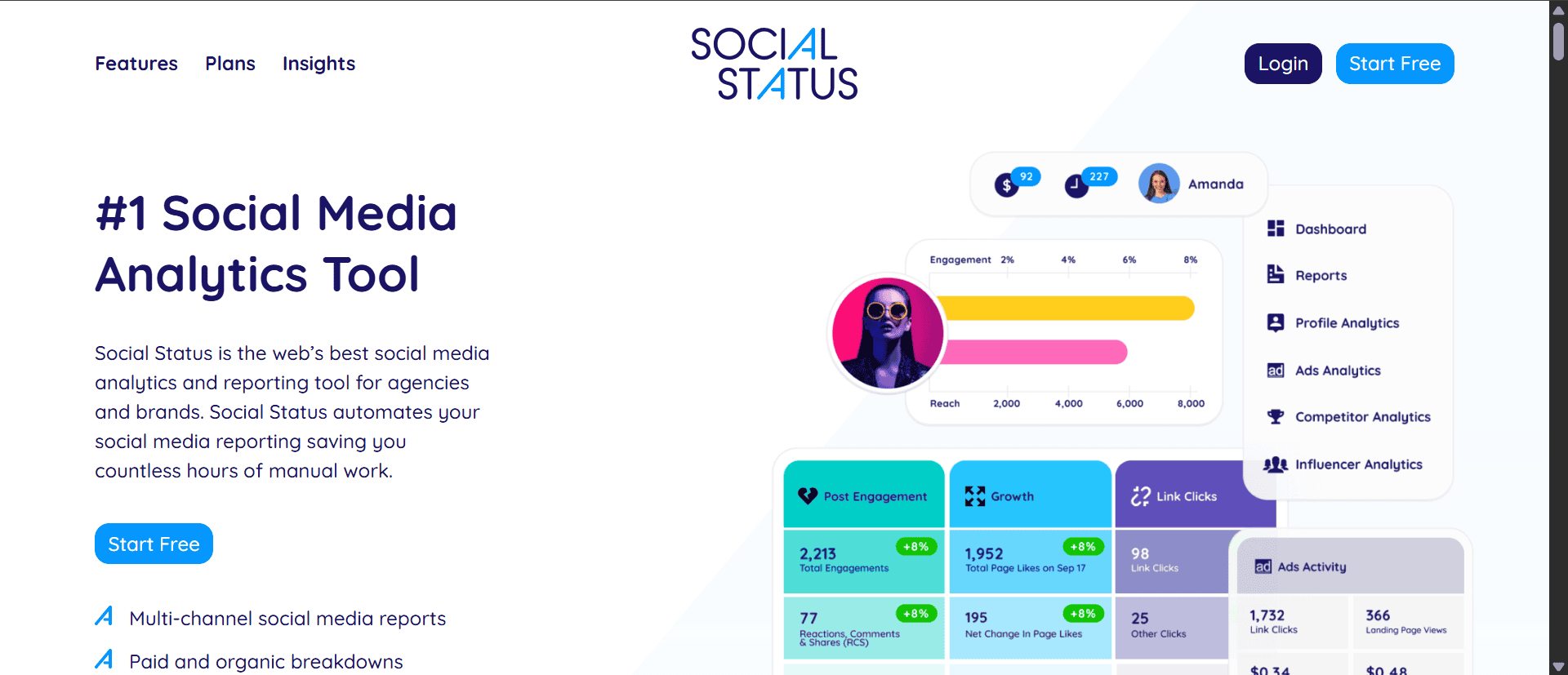
Social Status is one of the few tools built exclusively for social media analytics, which gives it considerably more depth than platforms where analytics is a secondary feature. It organizes data into four dashboards covering profile performance, ads, competitors, and influencer analytics, with white-label reporting and automated report scheduling for clients. The trade-off is that it is analytics only, so scheduling and content management require separate tools.
How It Helps with Instagram Analytics:
Social Status breaks down analytics into Profile, Ads, Competitor, and Influencer reports. The profile analytics give you detailed insights into your posts, reels, stories, and overall account. You can track reach, impressions, taps, and follower demographics. It also lets you analyze paid and organic Instagram campaigns in one place. The Report Builder lets you create custom reports that can be automated and branded for clients.
Key Features:
- Compare competitor engagement rates
- Analyze Instagram Stories drop-off rates
- Track hashtag performance
- Tracks both organic and paid Instagram campaign performance
Pricing:
- Bronze – $99 /month
- Silver – $199 /month
- Gold – $399 /month
- Platinum – $799 /month
4. Sprout Social

Sprout Social is designed for enterprises and larger agencies that need advanced Instagram analytics as part of a broader social media management system. It offers sentiment analysis, hashtag tracking, competitor benchmarking, and combined organic and paid analytics in one place. At $199 per seat per month, it is one of the more expensive options on this list, which makes it difficult to justify for smaller teams.
How It Helps with Instagram Analytics:
Sprout offers deep insights on post and profile performance. You can track sentiment in comments, hashtag reach, and audience growth trends. It also monitors brand mentions in Stories and posts. Competitor reports help you spot gaps in your strategy. Both organic and paid Instagram metrics are available in one place.
Key Features:
- Sentiment analysis of Instagram comments
- Hashtag reach and impression tracking
- Competitor follower growth comparisons
- CRM integration for audience segmentation
Pricing:
- Standard – $199 per seat/month
- Professional – $299 per seat/month
- Advanced – $300 per seat/month
- Enterprise – Custom pricing
5. Iconosquare
Iconosquare gives you access to over 100 Instagram metrics covering reach, engagement, Stories, Reels, and follower growth, with a fully customizable dashboard that lets you display only the data that matters to you. Automated email reports and social listening for hashtags and competitors add further value without needing additional tools. It does not offer a free plan, but its Teams plan supports up to 10 users at a competitive price, making it strong value for marketing teams.
How It Helps with Instagram Analytics:
You get access to over 100 metrics covering reach, engagement, community, posts, Stories, and follower trends. The custom dashboard lets you pick which metrics to display and arrange them how you want. Iconosquare also supports publishing, collaboration, inbox management, and social listening to track hashtags and competitors. Its Teams plan offers good value by allowing up to 10 users at a reasonable price.
Key Features:
- Provides in-depth analytics for reach, engagement, and growth across posts and Stories
- Tracks Instagram Stories exit rate and tap-forward behavior
- Measures Reels performance including plays, shares, and saves
- Tracks follower growth and loss with historical trends
- Allows custom dashboards and automated email reports
- Supports social listening for hashtags and competitors
Pricing:
- Free – $0
- Launch – $49/month
- Scale – $95/month
- Excel – $167/month
6. ContentStudio
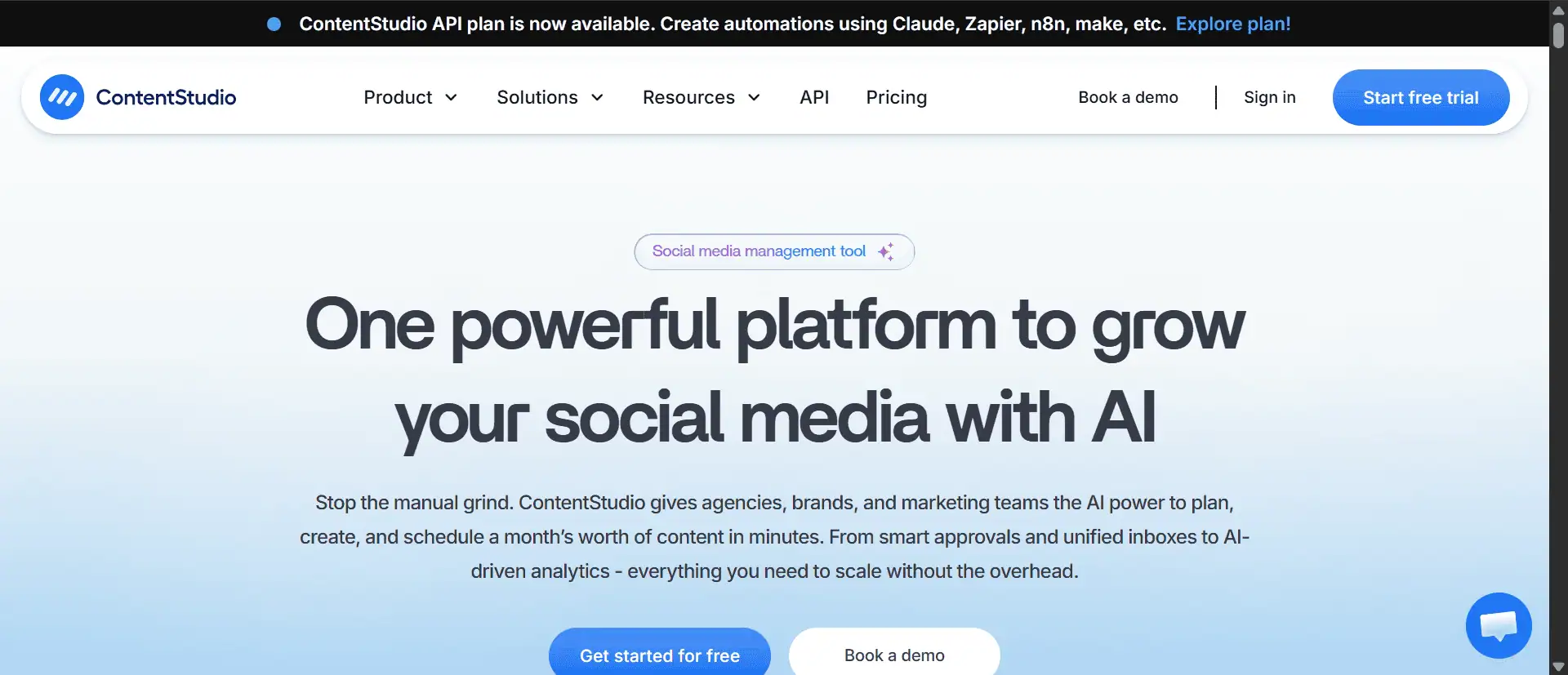
ContentStudio is a good fit for marketing teams that want Instagram analytics alongside AI-assisted content planning and publishing in one platform. It tracks engagement, hashtag performance, best posting times, and competitor benchmarks, while also offering team collaboration features like approval workflows and brand workspaces. Competitor benchmarking, however, is only available on higher-tier plans.
How It Helps with Instagram Analytics:
It spots trending hashtags and top content in your niche. Its analytics show engagement spikes, audience interests, and the best times to post. You can compare your activity and engagement against competitors to find areas to improve. The white-label reports are great for marketing teams, and its collaboration features make managing multiple brands easier. ContentStudio also includes tools for publishing, caption creation, and managing messages.
Key Features:
- Hashtag recommendations
- Competitor post-performance analysis
- Supports real-time team collaboration and approval workflows
- Highlights engagement spikes, audience interests, and best posting times
Pricing:
- Standard – $29/month
- Advanced – $69/month
- Agency unlimited – $139/month
7. Hootsuite

Hootsuite is one of the most established social media management platforms, offering Instagram analytics alongside scheduling, ad performance tracking, and social listening. Its Impact Report helps measure campaign ROI, and real-time sentiment analysis flags negative comments for quick action. It is a capable platform, though users on G2 frequently note that the pricing and interface complexity can feel excessive for teams with straightforward analytics needs.
How It Helps with Instagram Analytics:
Hootsuite tracks your ad performance, organic reach, and profile visits. The Impact Report helps measure campaign ROI, and sentiment analysis flags negative comments so you can handle issues quickly. It also lets you create reports to track your growth over time with clear charts and graphs.
Key Features:
- Instagram post scheduling with bulk uploads
- Ad spend versus engagement ROI tracking
- Real-time comment moderation
- Competitor ad creative analysis
Pricing:
- Standard – $99 per user/month
- Advanced – $249 per user/month
- Enterprise – Custom pricing
8. Keyhole

Keyhole specializes in hashtag and influencer analytics, making it particularly useful for brands running campaign-driven Instagram strategies. It tracks hashtag performance in real time, measures influencer partnership ROI, and compares your results against competitors. Users on Capterra highlight its campaign tracking accuracy as a standout feature, though it is less suited for general account analytics.
How It Helps with Instagram Analytics:
It tracks Instagram hashtag campaigns in real-time, showing impressions, reach, and engagement. Keyhole also finds influencers using your hashtags and compares your results against competitors.
Key Features:
- Hashtag engagement tracking
- Influencer partnership ROI analysis
- Campaign-specific UTM tracking
- Alerts for viral content potential
Pricing:
- Professional – $179/month
- Corporate – $539/month
- Enterprise – $999/month
9. Metricool
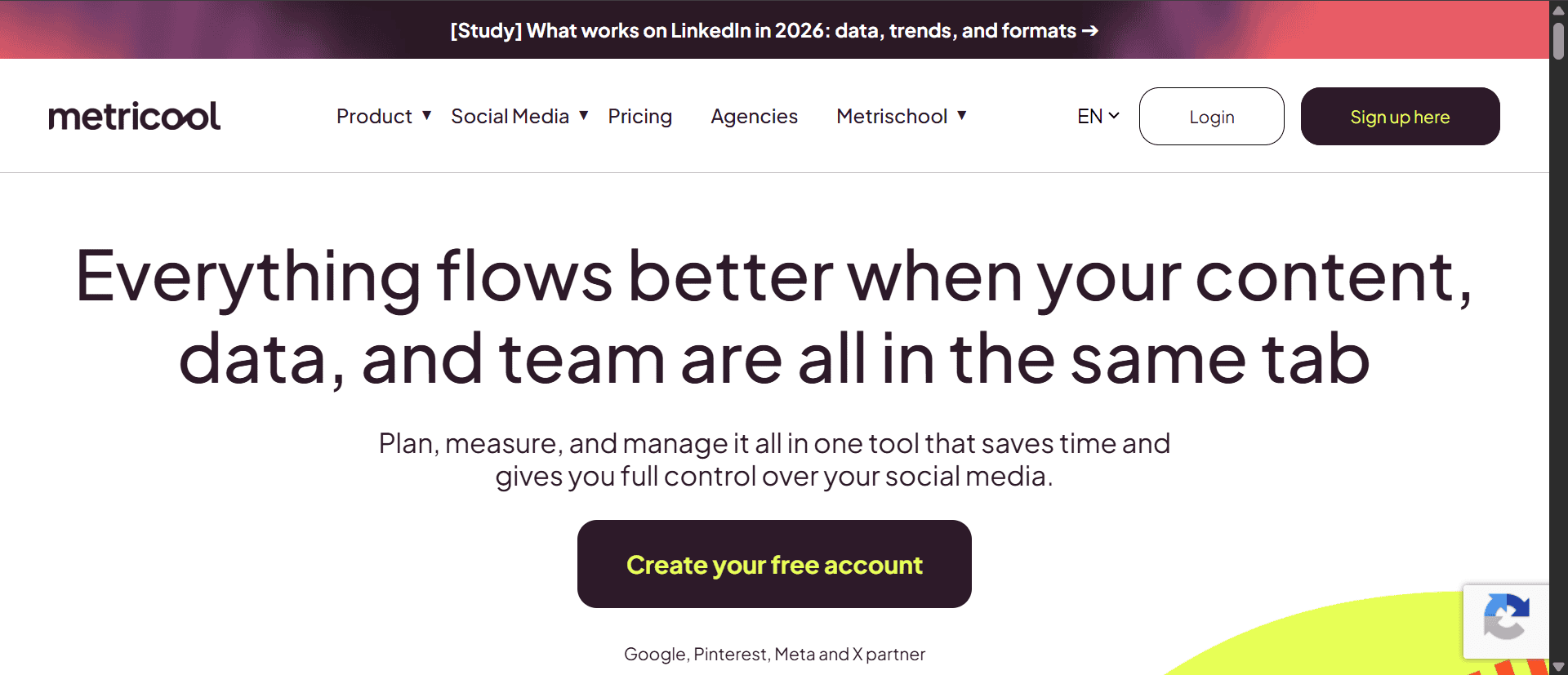
Metricool is a budget-friendly platform that combines Instagram analytics with scheduling and competitor tracking in one place. It provides detailed Reels and Stories performance data, best-time-to-post recommendations based on historical data, and integrates with Google Data Studio for more advanced reporting. It is particularly well-suited for freelancers and small businesses looking for an affordable all-in-one solution.
How It Helps with Instagram Analytics:
It offers detailed insights into reels and stories performance, including how many viewers complete a story and which stickers they tap. Its Best Time to Post feature uses past data to suggest the ideal times to share content. You get detailed engagement stats for posts, stories, and reels. Metricool also has a report builder to create combined reports for clients.
Key Features:
- Instagram Stories swipe-up and link click tracking
- Reels performance dashboards
- Competitor engagement rate comparisons
- Integration with Google Data Studio
Pricing:
- Free – $0/month
- Starter – From $25/month
- Advanced – From $67/month
10. Emplifi
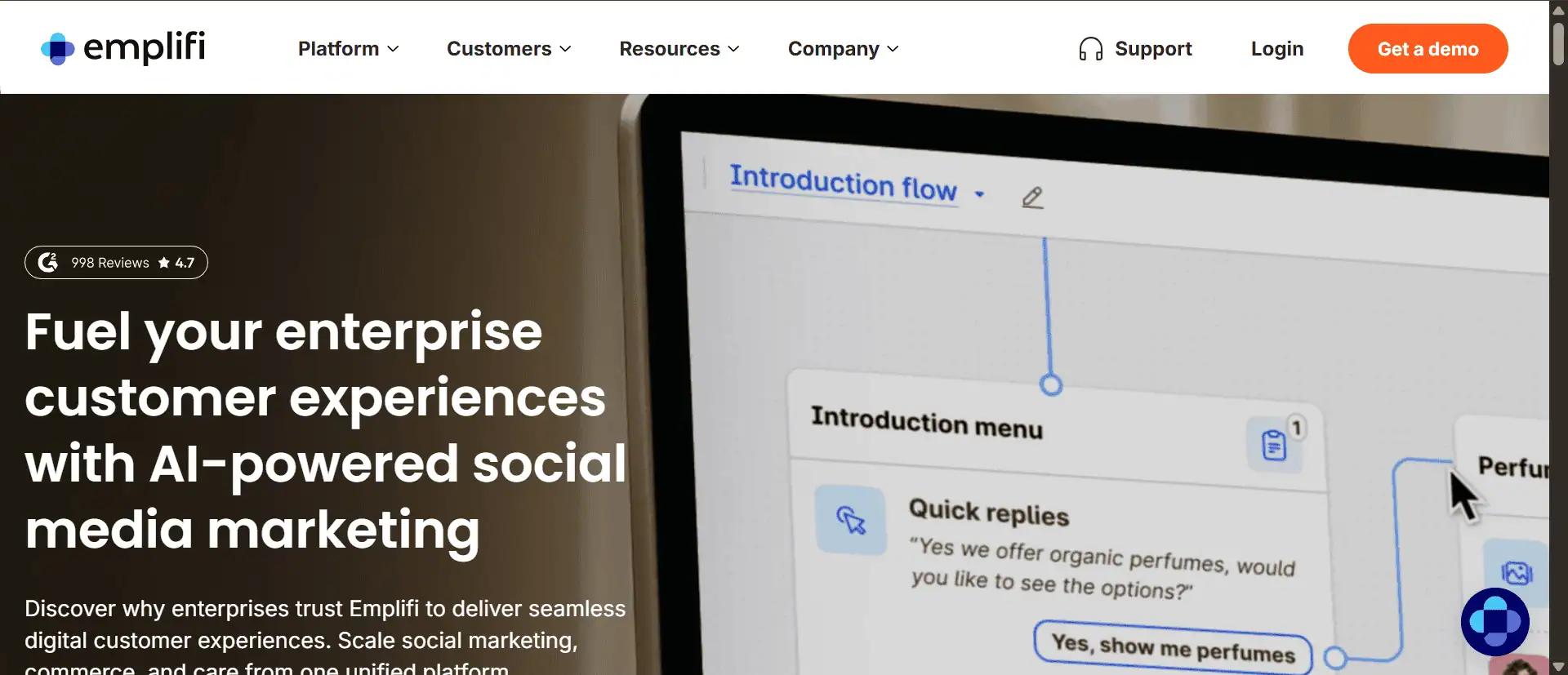
Emplifi is an enterprise-grade platform that uses AI to deliver Instagram insights, including audience behavior analysis, competitor benchmarking, and ad spend versus conversion tracking. It is trusted by major brands and offers real-time alerts for negative sentiment spikes, making it a strong fit for larger organizations with complex social media operations. Custom pricing and the absence of a free plan make it less accessible for smaller teams.
How It Helps with Instagram Analytics:
Emplifi tracks important Instagram metrics, compares your performance with competitors, and helps you make smarter decisions to improve content and engagement. It gives real-time insights on audience behavior and platform trends to optimize your marketing efforts.
Key Features:
- Tracking Instagram ad spend versus conversions
- Analysis of audience interests and behavior
- Competitor ad benchmarking
- Alerts for negative sentiment spikes
Pricing:
- Essential – $1,249/month
- Advanced – $2499/month
- Intelligent – Custom
12. Sendible
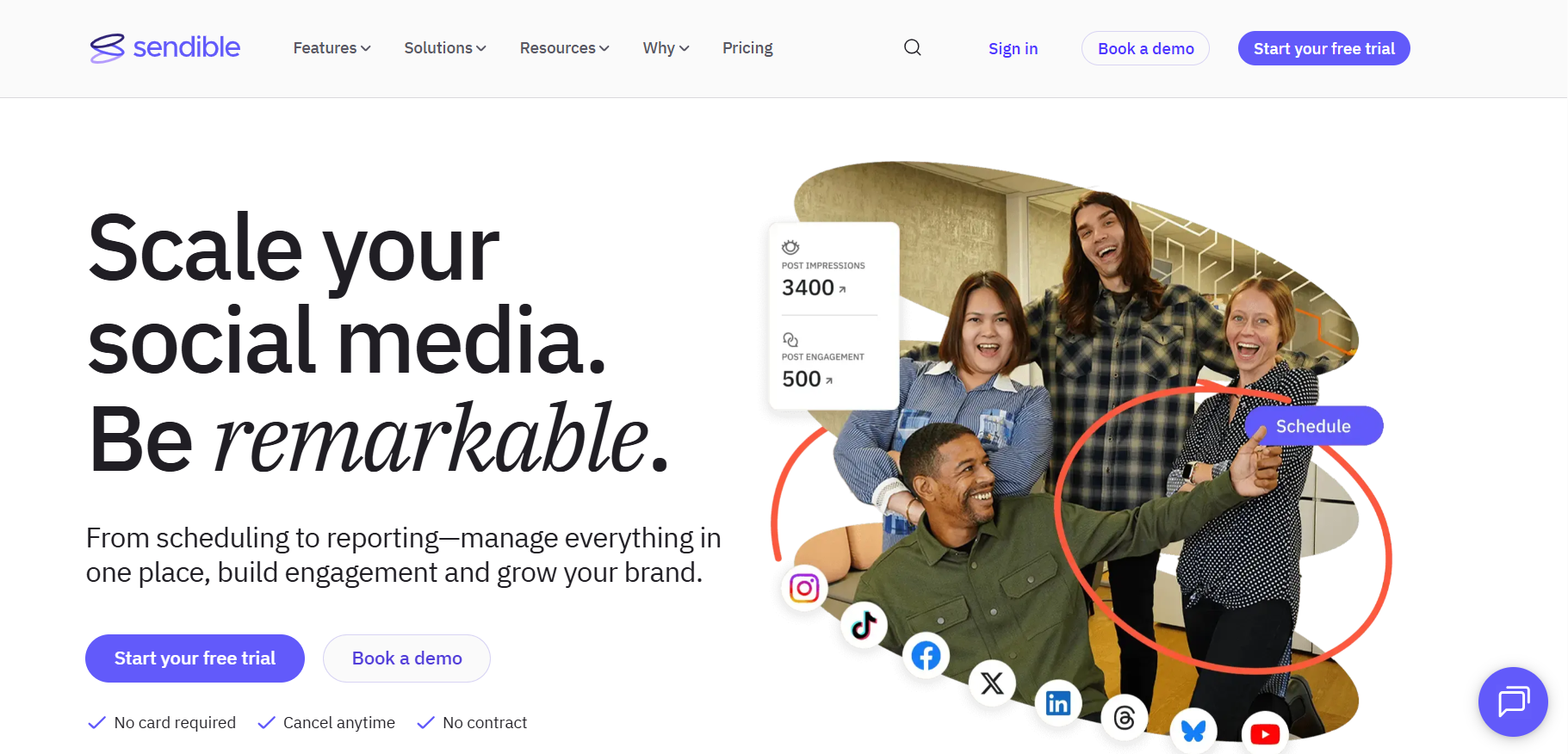
Sendible is a strong choice for agencies managing multiple clients, offering over 200 analytics modules alongside white-label reporting, automated branded reports, and a unique Client Connect feature that lets clients securely link their Instagram profiles without sharing passwords. It covers all standard engagement and growth metrics, plus deeper insights like optimal posting times and top-performing content. The interface is not the most intuitive, but the depth of reporting it provides is difficult to match at its price point.
How It Helps with Instagram Analytics:
Sendible’s Client Connect lets your clients connect Instagram profiles securely without sharing passwords, which is unique. You can manage each client’s Instagram accounts separately with organized dashboards. It offers over 200 analytics modules, including usual reach and engagement metrics plus insights like optimal posting times, most engaged followers, and top posts. The report builder includes pre-made Instagram templates and cross-channel reports, with options to automate branded reports on any schedule.
Key Features:
- White-label Instagram reports with agency branding
- Hashtag volume and reach tracking
- Post-performance scorecards compared to industry averages
- Team task assignments for comment responses
Pricing:
- Creator – $29/month
- Traction – $89/month
- Scale – $199/month
- Advanced – $299/month
- Enterprise – $750/month
13. Instagram Insights
Instagram Insights is the native analytics tool built directly into Instagram, available for free to all business and creator accounts. It covers the fundamentals, including post and story performance, audience demographics, profile visits, and follower activity, making it a solid starting point for creators and small businesses. For more advanced reporting or multi-account management, a third-party tool will be necessary.
How It Helps with Instagram Analytics:
Instagram Insights provides basic but useful data like your top posts, story exits, and audience demographics such as age, gender, and active hours. It tracks profile visits, website clicks, and follower growth, helping you understand how your Instagram audience interacts with your content.
Key Features:
- Basic Instagram post and Story performance data
- Audience demographics (age, gender, location)
- Tracking profile visits and website clicks
- Stories engagement metrics (replies, exits)
- Post saves and shares tracking
- Content interaction graphs
Pricing:
- Free (built into Instagram)
14. Agorapulse
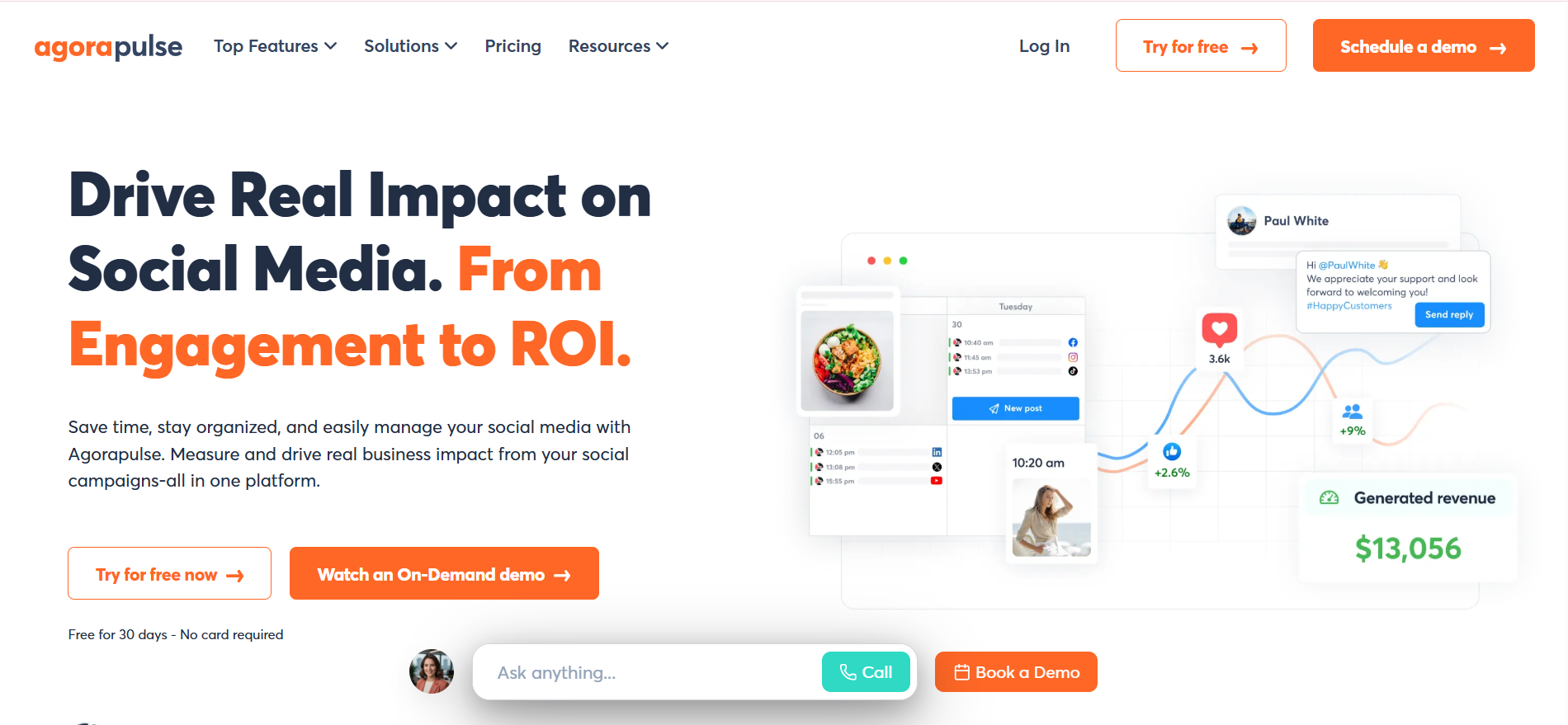
Agorapulse is a well-rounded social media management platform trusted by over 31,000 marketers, with a standout ROI tracking feature that connects Instagram activity directly to website traffic, leads, and revenue through Google Analytics integration. It covers standard engagement and growth metrics, offers custom reporting, and includes audience behavior insights and team performance tracking. Users on G2 consistently rate it highly for ease of use relative to the depth of features it provides.
How It Helps with Instagram Analytics:
Agorapulse tracks all common Instagram metrics like reach, engagement, and follower growth, plus which posts perform best and when. It offers detailed audience analysis and lets you combine insights into custom Instagram reports. The standout feature is its ROI tool, which links Google Analytics data to show how Instagram posts drive website traffic, leads, sales, and revenue in clear figures.
Key Features:
- Instagram reach, engagement, and follower growth tracking
- Post performance analysis by type and timing
- Audience behavior insights
- Team performance tracking
- ROI tracking linking Instagram activity to website traffic and sales
Pricing:
- Standard – $99/month
- Professional – $149/month
- Advanced – $199/month
15. Pallyy
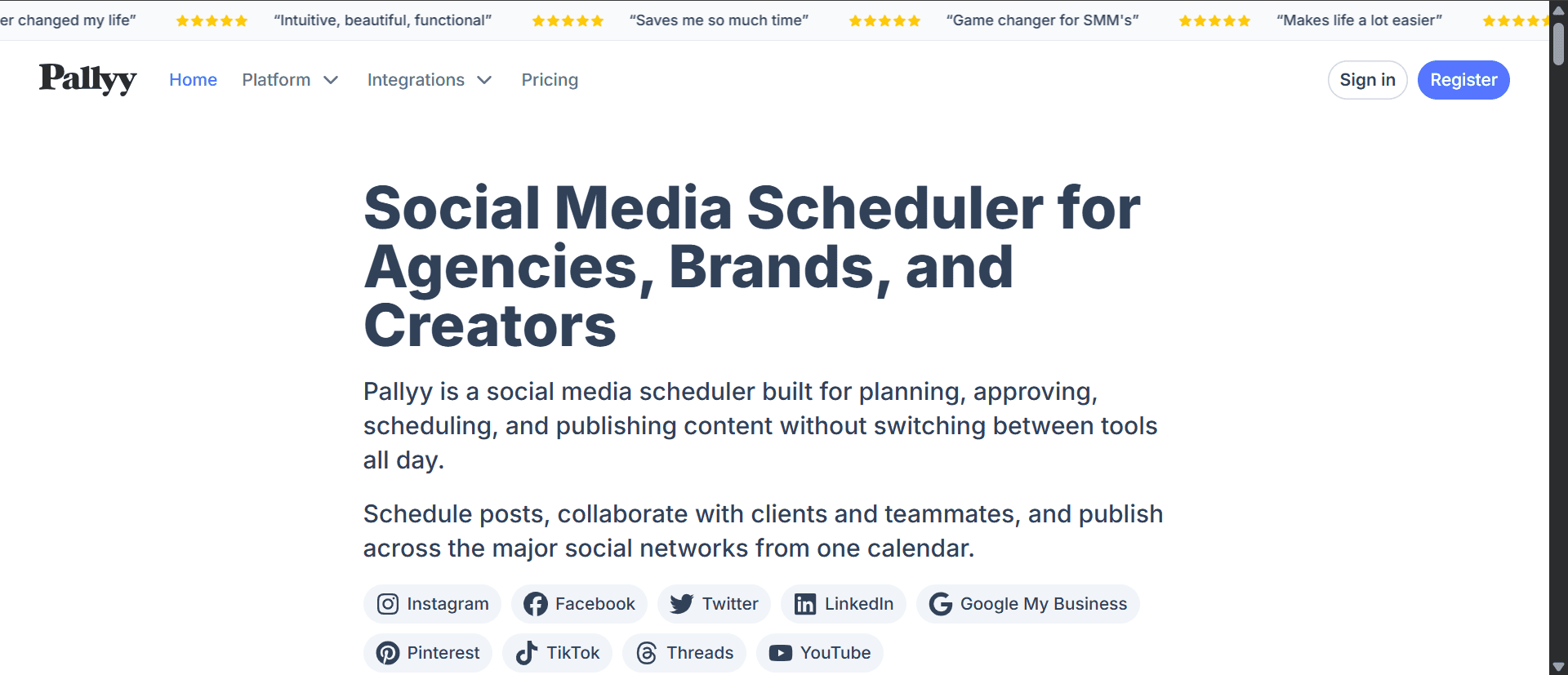
Pallyy is an affordable, visually-focused platform suited to social media managers, influencers, and small agencies that need clean Instagram analytics without complexity. It tracks post and story performance, engagement rates, follower growth, and competitor activity, and includes a straightforward report builder alongside best-time-to-post recommendations. Automated report scheduling is not available, but for the price point, it offers strong value for individual users and small teams.
How It Helps with Instagram Analytics:
Pallyy tracks Instagram post and Story performance, showing engagement rates and follower growth. Its Competitor Watch tool analyzes rival Instagram posts for inspiration. The analytics dashboard is clear and includes important stats like likes, comments, and best time to post. You can build custom Instagram reports easily, but automated report sending by email is not available.
Key Features:
- Tracking Instagram Story save rate
- Hashtag performance comparisons
- Best-time-to-post recommendations
- Free plan with basic analytics
Pricing:
- Starter – $15/month
- Pro – $25/month
- Agency – $99/month
- Scale – $199/month
<VMCTA1 />
How to Choose the Right Instagram Analytics Tool for Your Needs
Picking the right Instagram analytics tool can make a big difference in how you grow and manage your account. With so many options out there, it helps to focus on what really matters. Here’s what to look for when making your choice.
-
Tracks the Metrics You Actually Need
Before anything else, make sure the tool tracks the Instagram metrics that matter to you. This includes data like follower growth, reach, impressions, engagement rate, and story performance. If you’re running campaigns, you’ll also want insights into clicks, saves, and profile visits. A good tool should give you clear, easy-to-read data so you can track progress and make smarter decisions.
-
Offers Competitor and Hashtag Analysis
Understanding how your competitors perform can help you stay one step ahead. The right tool should let you track competitor accounts and see which posts are working for them. Also, hashtag analysis is a big plus. It helps you see which hashtags are performing well and which ones you should avoid. This can help you reach more people and improve your post reach.
-
Let’s you Create and Share Reports Easily
You shouldn’t have to spend hours putting together reports. A good analytics tool should let you create, download, and share reports in just a few clicks. Whether you’re working alone or with a team, being able to quickly share results makes things smoother and saves time.
-
Easy to Use
You don’t want to waste time trying to figure out how a tool works. Look for one with a simple, clean interface that doesn’t require a tech background. You should be able to log in and find your stats without digging through menus or watching long tutorials.
-
Works on Mobile Devices
Sometimes you need to check your stats on the go. Make sure the tool works well on your phone or has a mobile app. This gives you the flexibility to track your Instagram performance wherever you are, without being stuck to a laptop.
-
Connects With Other Platforms
If you’re also active on platforms like Facebook, LinkedIn, or X, it helps if your analytics tool can pull data from all of them. This way, you get a full view of your social media performance in one place. It’s especially useful if you’re running cross-platform campaigns.
-
Fits Your Budget and Team Needs
Finally, choose a tool that fits your budget. Some tools offer free versions with limited features, while others have more advanced paid plans. If you’re working with a team, check if the tool allows multiple users or offers collaboration features. This will help you work together without any confusion or extra costs.
Manage All Your Social Media Data in One Place with ViewMetrics
Keeping track of multiple social media platforms can get overwhelming. With ViewMetrics, you don’t need to jump between different apps or tabs. It brings everything together into one easy-to-read dashboard, so you can clearly see what’s working, what’s not, and what needs your attention. From engagement rates to follower growth and traffic, you get a complete picture of your social media performance in one place.
Here’s how ViewMetrics makes it easier for you:
-
All Your Social Media Data, One Dashboard
No more switching between platforms to check analytics. ViewMetrics pulls in data from all your social media accounts and puts it into a single dashboard. This saves time and gives you a full view of your online presence.
-
Set It Up Your Way
You can customize the dashboard to show only what matters most to you. Whether it’s engagement rates, follower counts, clicks, or conversions, you can focus on the metrics that support your goals.
-
Track Progress Without the Guesswork
With your performance data in one spot, it’s much easier to track what’s happening across all platforms. ViewMetrics helps you spot trends, see which posts are getting attention, and find areas that need improvement. This way, you can make smarter decisions backed by real data.
-
Keep an Eye on Campaign Traffic
If you run campaigns, it’s important to know what’s driving traffic. ViewMetrics shows you exactly which posts or platforms are sending people to your website, helping you fine-tune your content and marketing strategy.
-
Make Better Decisions with Clear Insights
The real strength of ViewMetrics is in the clarity it provides. When you can actually see how your social media is performing, it’s much easier to make smart changes. Instead of guessing, you’re working with real numbers, which helps improve your strategy over time.
Whether you’re a solo creator or managing a brand, ViewMetrics gives you the control and insight you need to grow your social presence with confidence. Get started for free now!
<VMCTA2 />
Closing Thoughts
To make real progress on Instagram, you need more than just good content. Following right business tips and using tools can help you track what’s really happening behind the scenes. Whether you’re a creator, marketer, or small business, picking the right one can save you time and help you move forward with more clarity.
Frequently Asked Questions (FAQs)
Can I track my competitors using Instagram Analytics tools?
Yes, you can. Many Instagram analytics tools let you keep an eye on how your competitors are doing. You can compare performance and learn what works for them.
What kind of metrics should I focus on while choosing an Instagram analytics tool?
Focus on simple but useful metrics like reach, engagement rate, follower growth, and your top-performing posts. These numbers give you a clear picture of what’s working and what needs a push.
Do Instagram analytics tools work on mobile?
Some do. If you prefer checking insights on the go, pick a tool that comes with a mobile-friendly app.
Which are the best free Instagram analytics tools?
Some popular free options include Instagram Insights (available inside the app for business accounts) and ViewMetrics.
Related Posts
-

Users visiting your website create a history of valuable data insights that you can use…
-

Whether or not you have a physical product that is visually appealing, Instagram can still…
-

{ “@context”: “https://schema.org”, “@type”: “Article”, “mainEntityOfPage”: { “@type”: “WebPage”, “@id”: “https://www.viewmetrics.com/blog/instagram-trends” }, “headline”: “15 Instagram…
-
In today’s digital world, posting on Twitter (now called X) is just the first step.…
-

If you’re using LinkedIn to grow your presence or promote your business, keeping track of…