Managing client reports manually is one of those tasks that sounds simple but quickly becomes a time sink. Between collecting data, formatting updates, and making sure everything looks polished and professional, it’s easy to spend more time on reporting than on the actual work. When you’re juggling multiple clients at once, the pressure only grows, and the risk of errors or delays becomes very real.
The right client reporting tool can take that burden off your plate entirely. From automated data syncing to ready-made templates and shareable dashboards, these tools are built to make reporting faster, cleaner, and more impressive to your clients. To help you find the best fit for your workflow, we’ve rounded up the 10 best client reporting tools you can start using today.
What Are Client Reporting Tools?
Client reporting tools help you automate reports, track performance, and present data in a way clients actually understand. Without the right tool, reporting can quickly become time-consuming and inconsistent.
This blog covers the best client reporting tools, along with their features, use cases, and how to pick the right one for your team.
10 Best Client Reporting Tools at a Glance
| Tool | Key Features | Best For | Pricing |
|---|---|---|---|
| ViewMetrics | Custom dashboards, automated reports, integrations, white-labeling | Small-to-mid agencies | Free + Paid |
| AgencyAnalytics | 80+ integrations, SEO tracking, white-label dashboards | Full-service agencies | Freemium + Paid |
| DashThis | Templates, drag-and-drop dashboards | Quick reporting | Paid |
| Whatagraph | Visual reports, multi-channel dashboards | Presentation-focused teams | Paid |
| Swydo | PPC reporting, alerts, automation | Paid ads agencies | Paid |
| Databox | Real-time dashboards, KPI tracking | Data-driven teams | Freemium + Paid |
| Klipfolio | Custom dashboards, data modeling | Advanced users | Paid |
| Supermetrics | Data connectors, pipelines | Data aggregation | Paid |
| TapClicks | Enterprise reporting, automation | Large agencies | Paid |
| Google Looker Studio | Free dashboards, Google integrations | Small teams | Free |
Choosing the right client reporting tools can save you hours of manual work and improve how you present data to clients. Here are the best options based on use case and team size:
Best Tools for Small-to-Mid-Sized Agencies
1. ViewMetrics (Featured Pick)
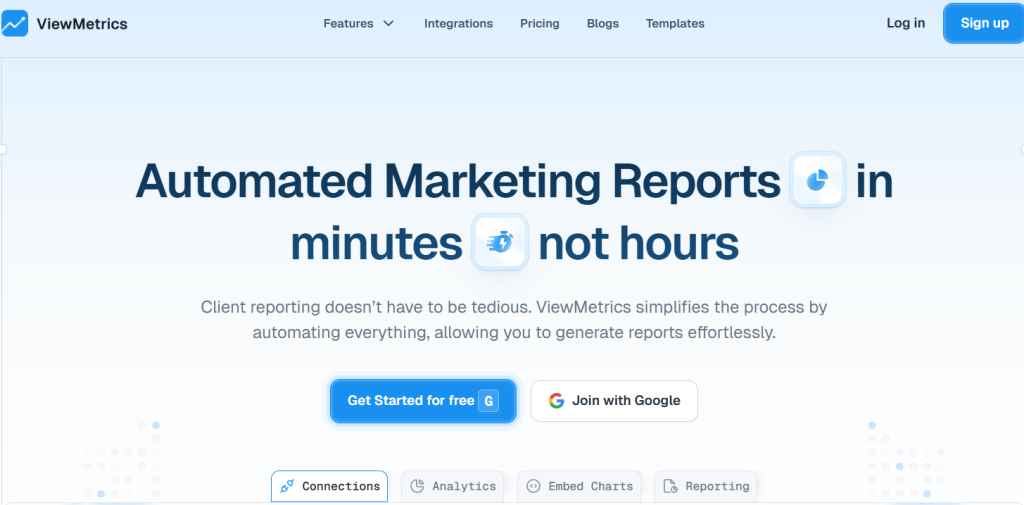
ViewMetrics is a modern client reporting tool for marketing teams that simplifies reporting through automation and clean dashboards. It helps agencies connect multiple data sources, generate reports instantly, and present insights in a client-friendly format.
Features:
- Custom dashboards and templates
- Automated report scheduling
- Multi-platform integrations
- White-label reporting
Best for: Small-to mid-sized agencies managing multiple clients.
Pricing:
- Free plan
- Starter: $29.99/month
- Professional: $49/month
- Team: $119/month
<VMCTA1 />
2. AgencyAnalytics
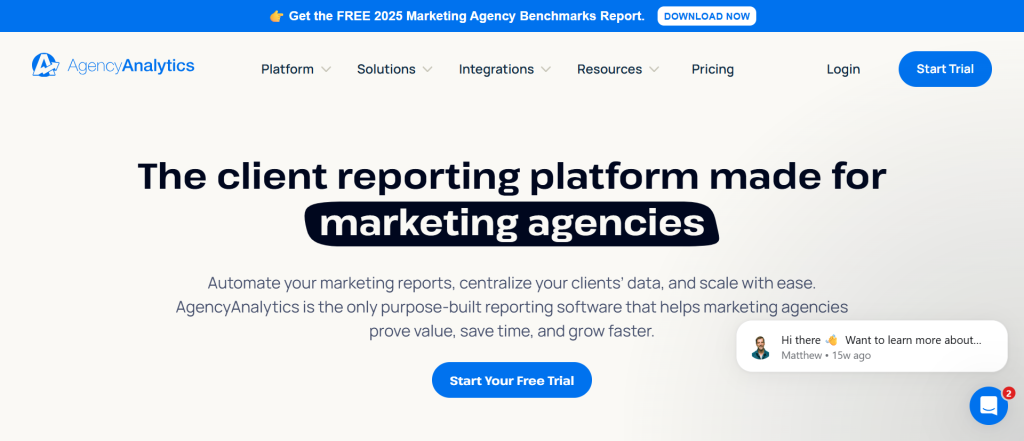
AgencyAnalytics is a well-known platform among marketing agencies, offering a mix of automation and SEO-focused reporting. It allows teams to track multiple campaigns, manage client dashboards, and generate white-labeled reports at scale.
Features:
- 80+ integrations
- Automated reports
- SEO tracking
- White-label dashboards
Best for: Full-service agencies.
Pricing:
- Freelancer: $79/month
- Agency: $239/month
- Agency Pro: $479/month
- Custom solutions with custom pricing available
3. DashThis
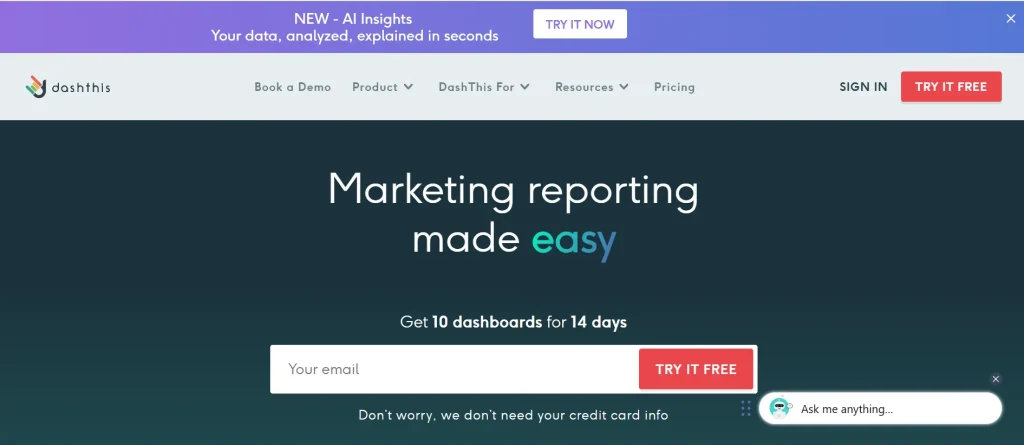
DashThis is designed for teams that want fast and simple reporting without a steep learning curve. It focuses on ease of use, helping agencies quickly build dashboards using pre-built templates and automated data syncing.
Features:
- Drag-and-drop dashboards
- Pre-built templates
- Easy setup
Best for: Agencies needing quick reporting.
Pricing:
- Individual: $54/month
- Professional: $164/month
- Business: $324/month
- Standard: $499/month
Best Client Reporting Tools for Marketing & PPC Reporting
4. Whatagraph
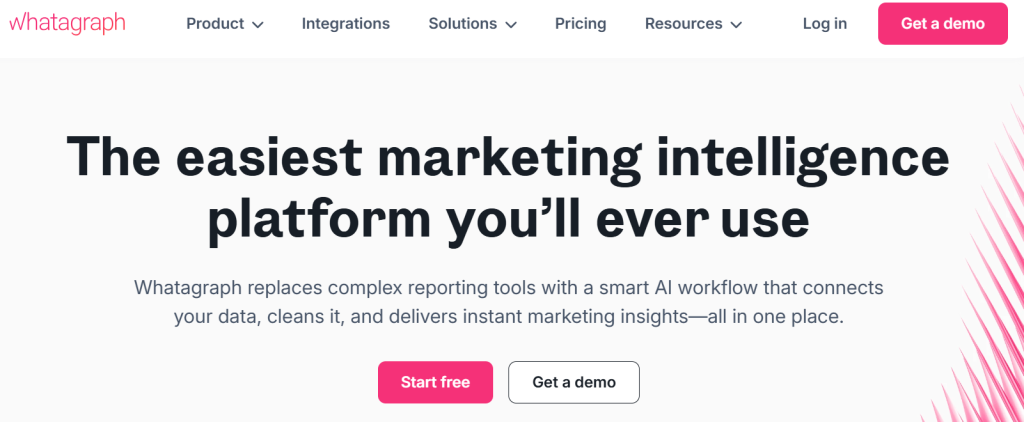
Whatagraph is built for agencies that want visually engaging reports that are easy for clients to understand. It combines multiple data sources into clear dashboards, making it ideal for storytelling and performance presentation.
Features:
- Multi-channel data visualization
- Automated reports
- Custom dashboards
Best for: Agencies focused on presentation.
Pricing:
- Start: $286/month
- Boost: $579/month
- Custom pricing available
5. Swydo
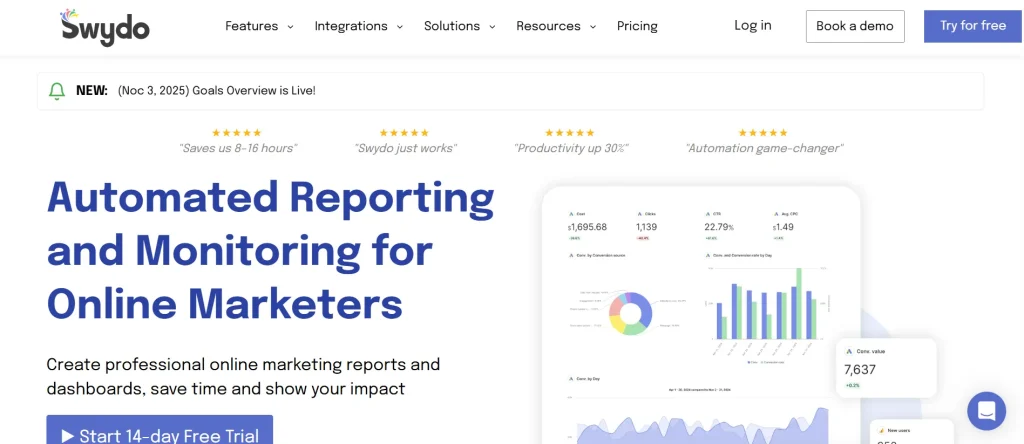
Swydo is a specialized tool focused on PPC and paid campaign reporting. It helps agencies track ad performance, monitor key metrics, and automate reports with a strong focus on campaign-level insights.
Features:
- PPC reporting tools
- Automated alerts
- White-label reports
Best for: Paid ads agencies.
Pricing:
- $69/month
Best Tools for Data & BI Dashboards
6. Databox
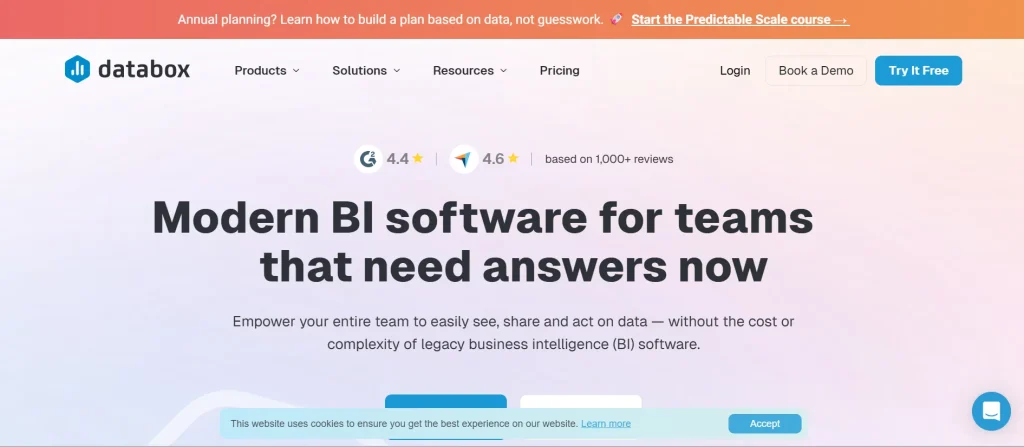
Databox is a popular real-time reporting tool for agencies, offering live dashboards and KPI tracking. It helps you monitor performance continuously and share insights with clients through easy-to-understand visuals.
Features:
- Real-time dashboards
- KPI tracking
- Alerts and mobile access
Best for: Teams needing live insights.
Pricing:
- Free plan
- Pro: $159/month
- Growth: $399/month
- Premium: $799/month
7. Klipfolio
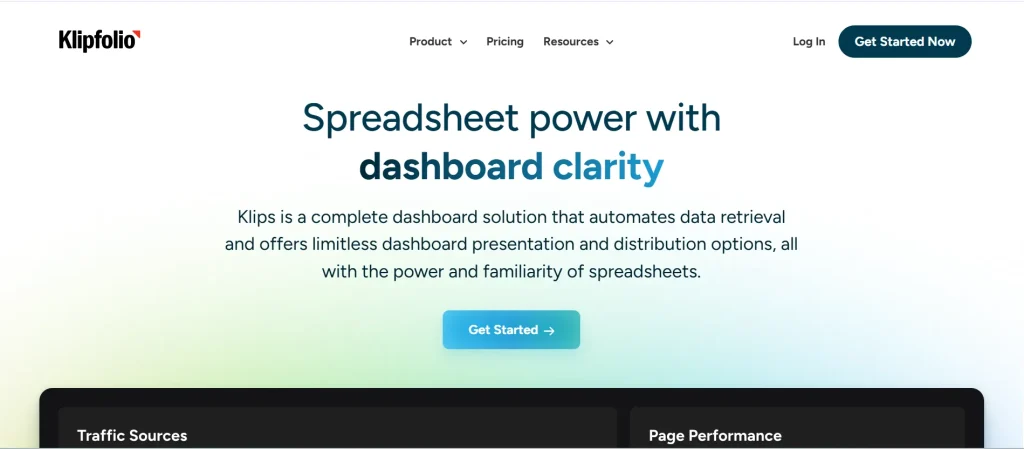
Klipfolio is designed for teams that need advanced customization and control over their data. It allows users to build highly tailored dashboards and perform deeper data modeling for more complex reporting needs.
Features:
- Custom dashboards
- Data transformation tools
- Real-time analytics
Best for: Advanced data teams.
Pricing:
- Base: $140/month
- Grow: $220/month
- Team: $350/month
- Team+: $690/month
8. Supermetrics
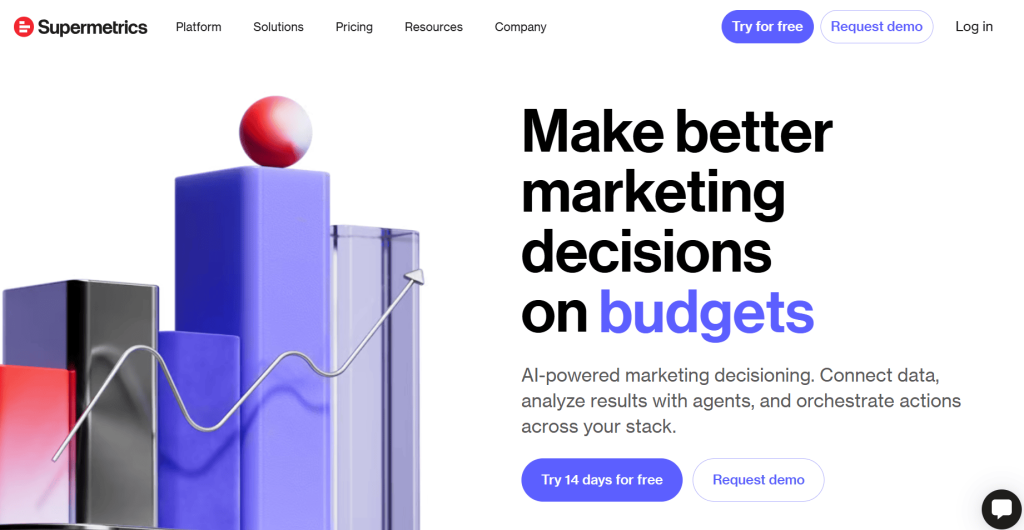
Supermetrics focuses on data aggregation and pipeline automation rather than traditional dashboards. It helps teams pull data from multiple platforms into tools like Google Sheets or BI platforms for further analysis.
Features:
- 100+ connectors
- Automated data pipelines
- Integration with BI tools
Best for: Data aggregation and analysis.
Pricing:
- Starter: $37/month
- Growth: $199/month
- Pro: $499/month
- Custom pricing available
Best Client Reporting Tools for Enterprise-Level Reporting
9. TapClicks
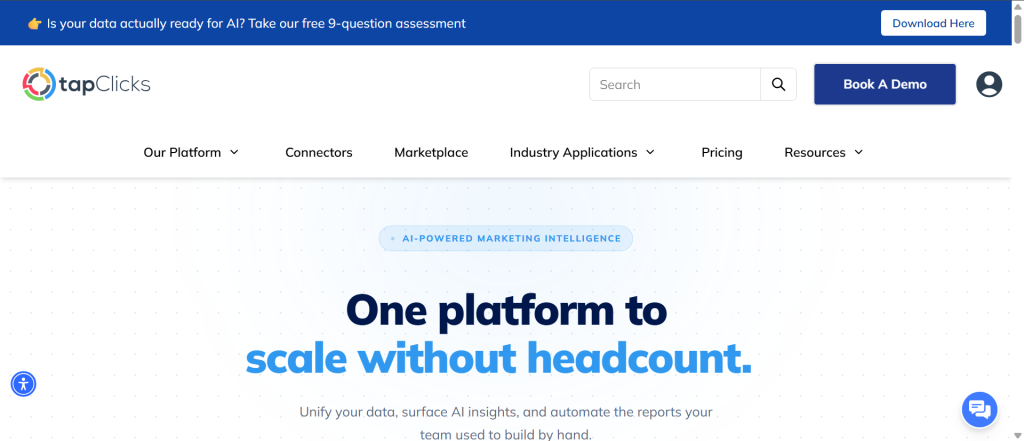
TapClicks is an enterprise-grade solution built for large agencies managing complex reporting needs. It combines data integration, automation, and reporting into a single platform with extensive scalability.
Features:
- 250+ integrations
- Data warehouse
- Advanced automation
Best for: Enterprise agencies.
Pricing:
- Custom pricing available
Best Free Client Reporting Tool
10. Google Looker Studio (Formerly Data Studio)
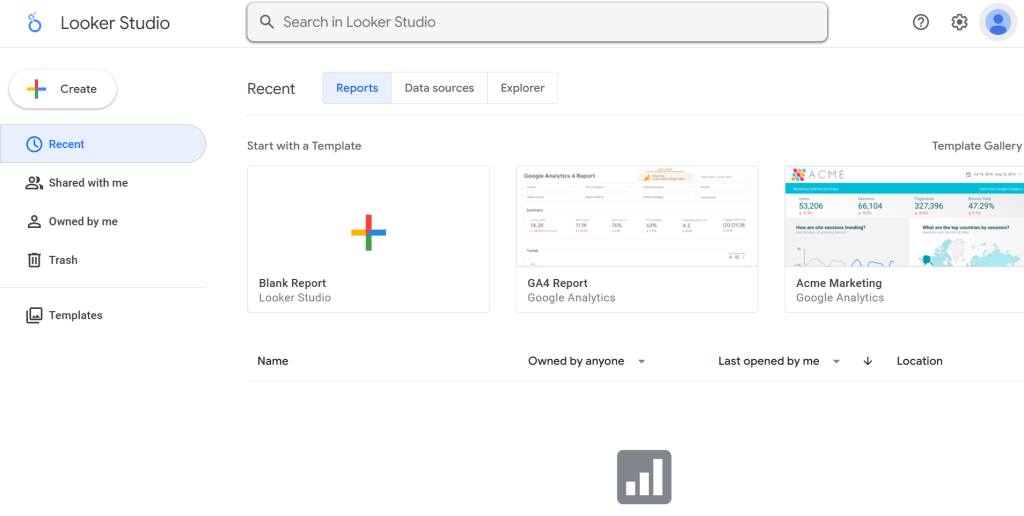
Google Looker Studio is a free reporting platform that allows users to create dashboards using Google data sources. Small teams can use it, although it often requires manual setup and customization.
Features:
- Free dashboards
- Google integrations
- Custom reports
Best for: Small teams using Google tools.
Pricing:
- Free (connectors may cost extra)
What Features to Look for in Client Reporting Tools?
1. Customizable Dashboards
A good reporting tool should let you customize dashboards based on each client’s goals and KPIs. This ensures you present only relevant data, making reports easier to understand and more impactful.
2. Automated Reporting & Scheduling
Automation allows you to generate and send reports without manual effort. This not only saves time but also ensures consistency, which is essential for maintaining client trust.
3. Ease of Use
The tool should be simple enough for both your team and your clients to use. A clean interface and intuitive setup reduce onboarding time and help teams adopt the tool quickly.
4. Integration Capabilities
Strong client reporting tools should integrate with platforms like Google Analytics, Meta Ads, and CRM tools. This helps you pull all your data into one place instead of switching between multiple tools.
5. Real-Time Data Updates
Tools with real-time reporting allow you to track performance as it happens. This helps you respond quickly to changes and make faster, data-driven decisions.
6. In-Depth Analytics & Insights
Beyond basic metrics, the tool should also help you analyze trends, identify patterns, and uncover opportunities. This turns raw data into actionable insights that improve client satisfaction and business outcomes.
7. Security & Data Privacy
The most reliable client reporting tools offer data encryption and role-based access controls. This ensures sensitive client data is protected while allowing controlled access to team members and stakeholders.
How to Choose the Right Client Reporting Tool?
Selecting the right client reporting tools for marketing depends on your workflow and goals. Here’s how to decide:
- Understand Your Business Needs: Identify whether you need automation, visualization, or deep analytics before choosing a tool.
- Check Integration Support: Ensure the tool integrates with all platforms you currently use for reporting.
- Consider Your Budget: Some tools offer free plans, while others scale with usage. Choose based on long-term affordability.
- Evaluate Ease of Use: A complex tool can slow down your team. Choose something intuitive and efficient.
- Plan for Scalability: Pick a tool that can grow with your agency as you add more clients and data sources.
<VMCTA2 />
Final Thoughts
The right client reporting tools can transform how you manage data, communicate results, and retain clients. So, instead of spending hours building reports manually, you can automate workflows, improve clarity, and focus on strategy.
If you are looking for a solution that balances simplicity, automation, and scalability, ViewMetrics is a strong choice for growing teams and agencies.
Frequently Asked Questions about Client Reporitng Tools
-
How do client reporting tools integrate with social media platforms?
Most reporting tools connect through APIs and automatically pull social media data for analysis.
-
Can client reporting tools generate reports automatically?
Yes, most tools support automated scheduling, allowing you to send reports without manual effort.
-
Is there a free client reporting tool?
Yes. Google Looker Studio (now called Data Studio) is free but requires manual setup. ViewMetrics also offers a free plan with automation features.
-
Can these tools connect to multiple platforms?
Yes, most client reporting tools integrate with platforms like Google Analytics, Meta Ads, and email tools.
-
What is the best client reporting tool for small agencies?
ViewMetrics can be considered an ideal option for small to mid-sized agencies due to its simplicity and scalability.
-
Are client reporting tools secure?
Yes, most tools offer encryption and role-based access to ensure secure data handling.
Related Posts
-
Tracking ad performance across Google, Meta, LinkedIn, and other platforms can get overwhelming fast. Between…
-

If you’re serious about growing online, you need to track what’s actually working. Whether you’re…
-

Marketing reporting tools are software solutions designed to consolidate, analyze, and present marketing data from…
-

In today’s fast-paced digital world, tracking your social media performance is just as important as…
-

What Is Client Reporting? Client reporting is the structured process of sharing, analyzing, and presenting…